
Image Toolkit Pro
Advanced desktop image processing toolkit built with Python and OpenCV featuring live detection and batch processing.
Screenshots
Executive Overview
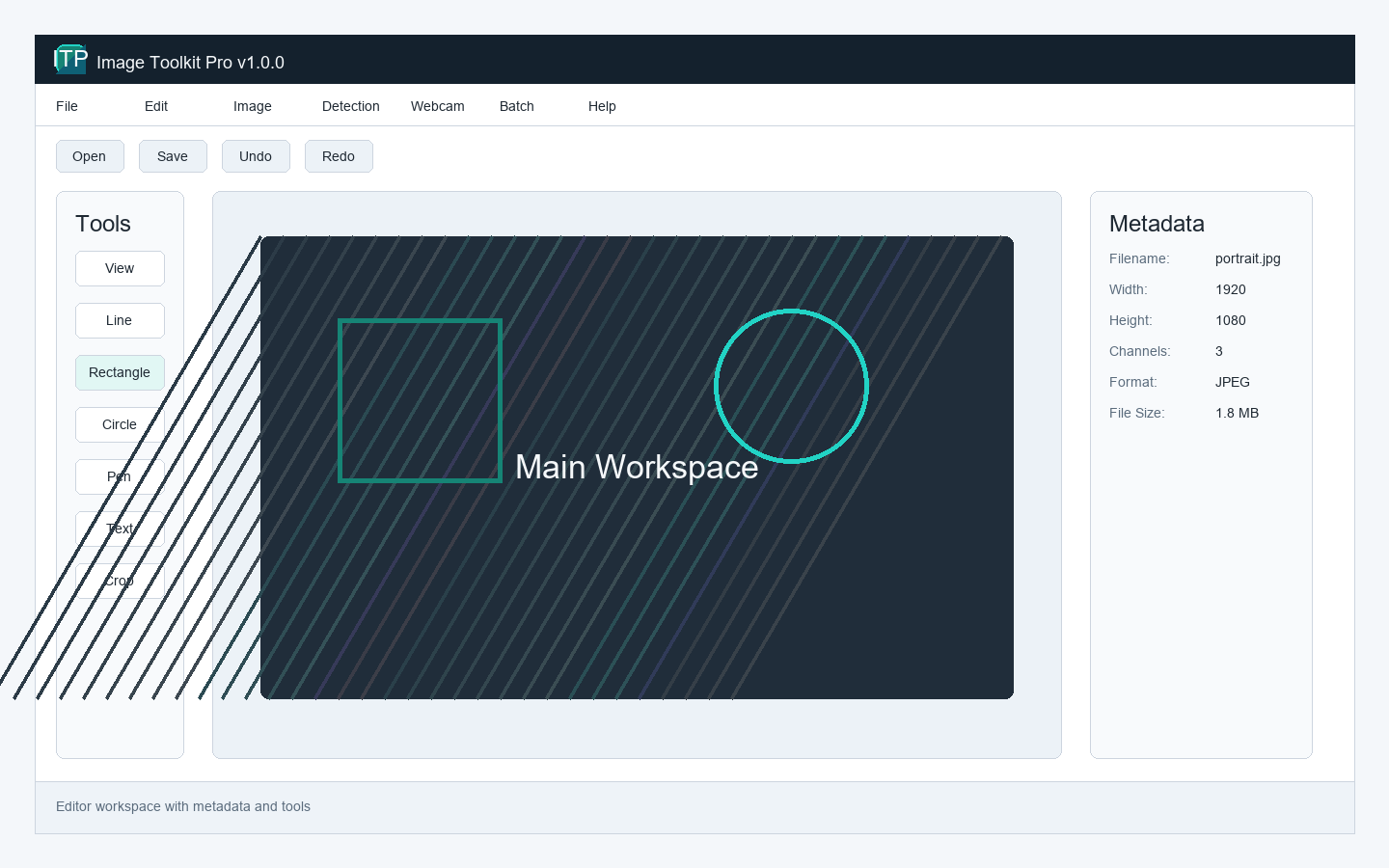
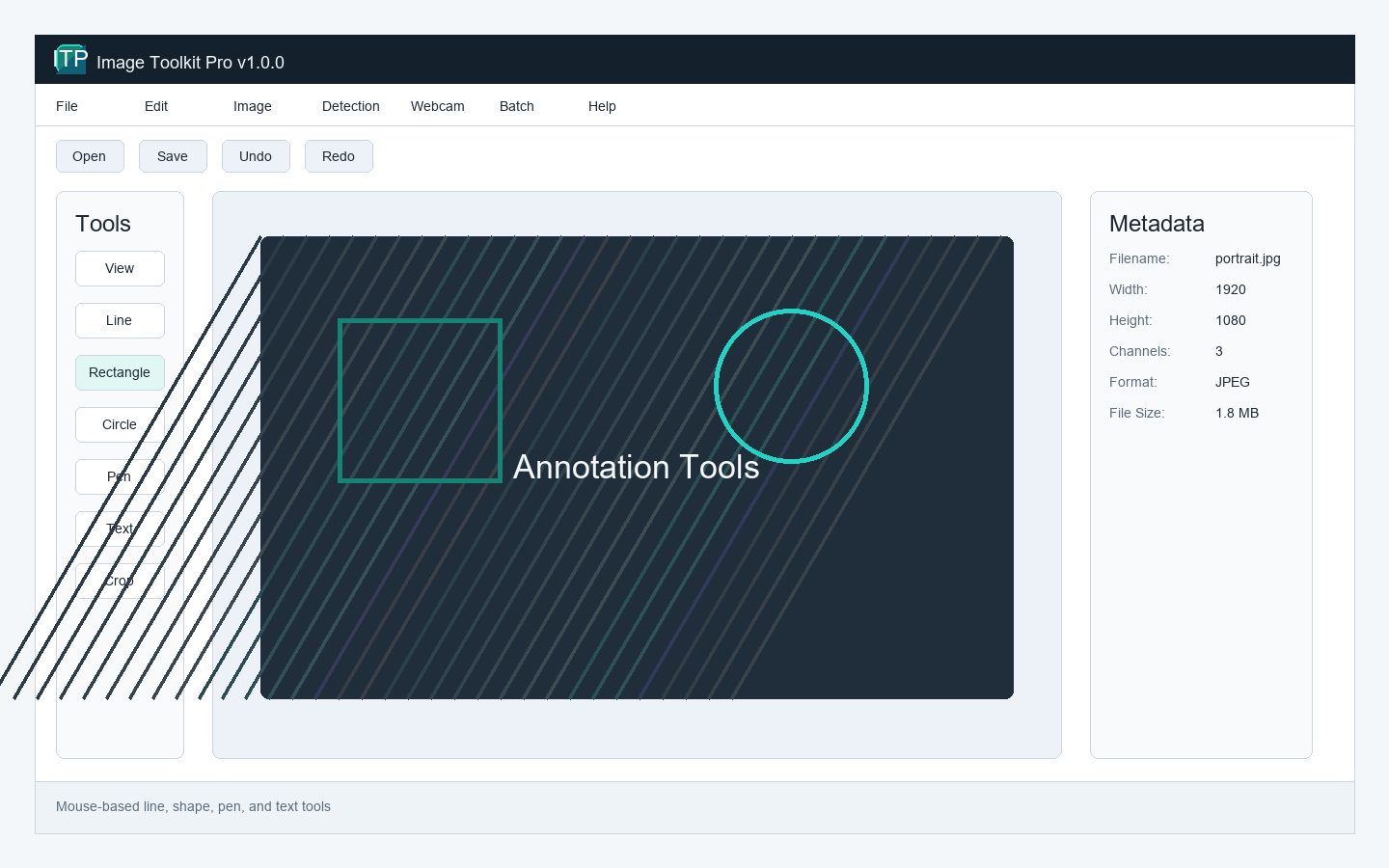
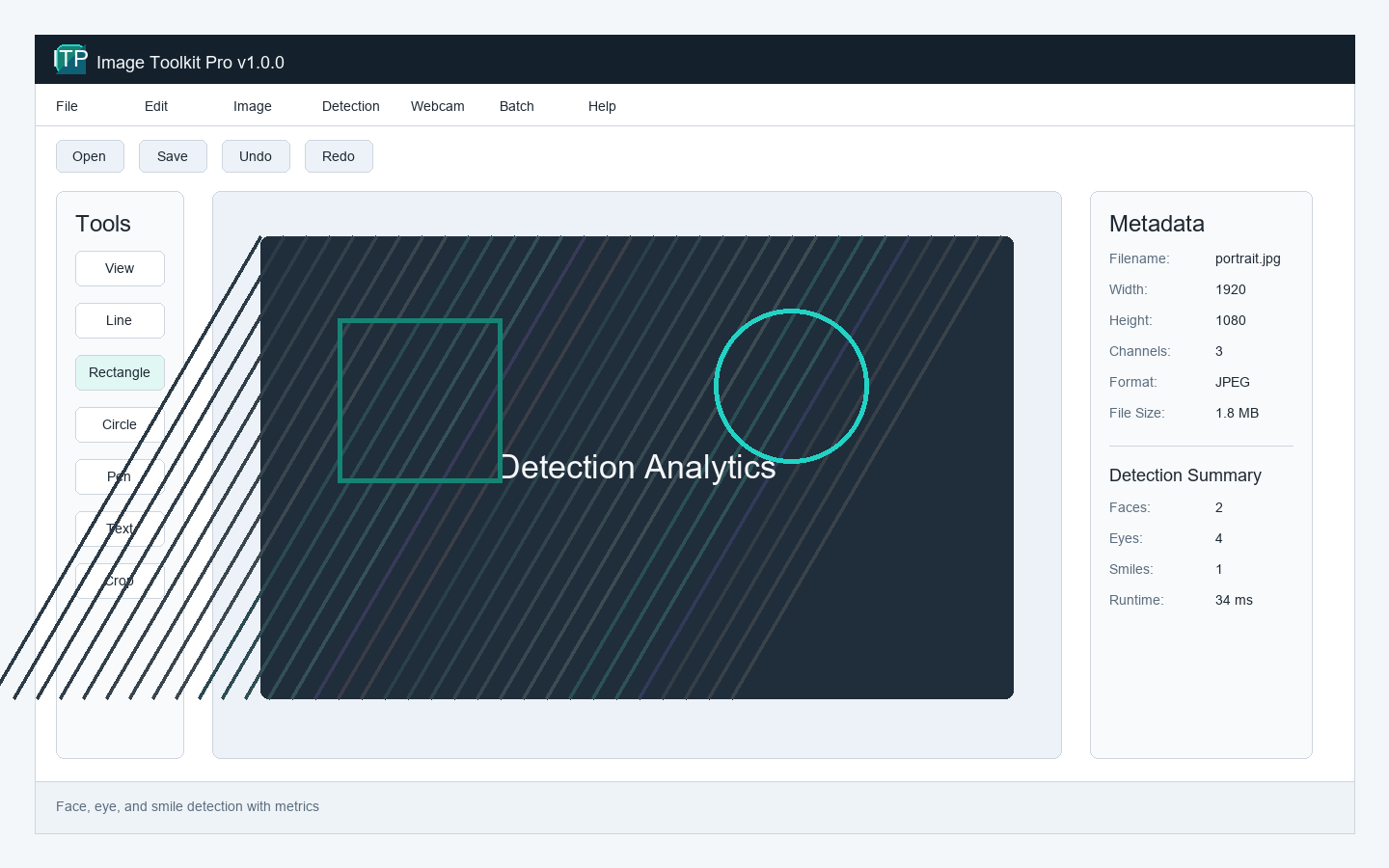
Image Toolkit Pro is a robust, cross-platform desktop application engineered to democratize computer vision. By wrapping highly complex, C-compiled OpenCV algorithms into an intuitive Tkinter GUI, it provides researchers, data scientists, and analysts with a powerful visual interface for advanced image analytics and machine vision experimentation.
The Problem
Researchers frequently need to test computer vision pipelines (like Haar cascades, Canny edge detection, or morphological transformations). Doing this requires writing and debugging disposable Python scripts for every iteration. Consumer editors like Photoshop completely lack these programmatic, scientific-grade computer vision algorithms.
Technical Challenge
Executing heavy mathematical matrix transformations (via OpenCV/NumPy) on high-resolution images fundamentally blocks the Python Global Interpreter Lock (GIL). Running these operations on the main thread causes the GUI to freeze entirely, resulting in application crashes and terrible UX during batch processing.
Solution Architecture
Built purely in Python, the architecture enforces strict separation of concerns. The presentation layer utilizes Tkinter for a lightweight, dependency-free cross-platform GUI. The core processing engine leverages OpenCV and NumPy for C-level mathematical performance. To solve the GIL blocking issue, the application implements a robust multithreaded architecture using the `concurrent.futures` module. Image processing tasks are offloaded to daemon threads, communicating back to the main GUI thread via thread-safe queues to update progress bars without locking the interface.
Core Features
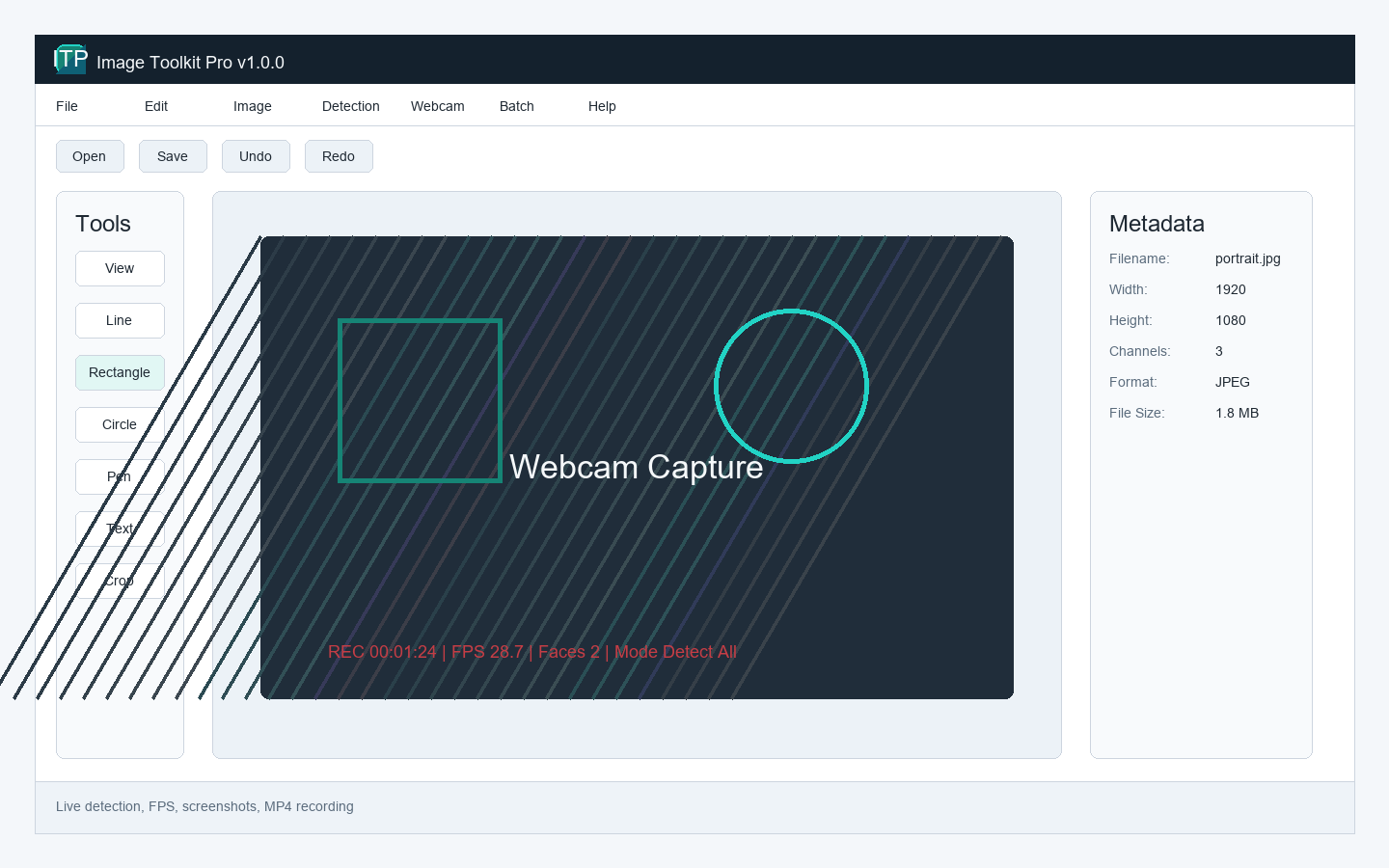
- Live webcam analytics featuring real-time Haar Cascade object detection pipelines
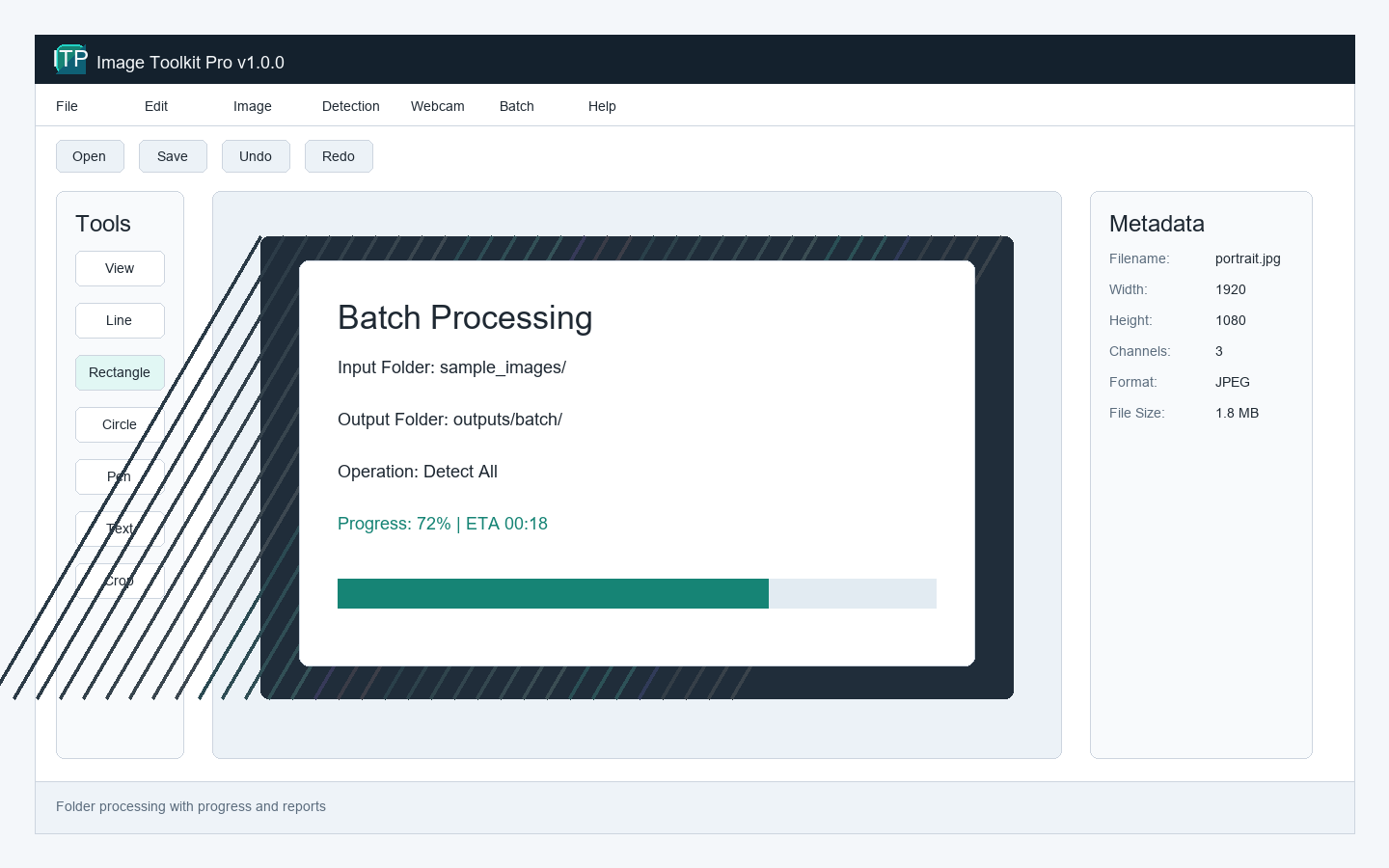
- Asynchronous, multithreaded batch processing for thousands of high-res images
- Interactive visual parameter tuning for advanced OpenCV algorithms
- Granular filtering, thresholding, and morphological transformation tools
- Standalone, zero-dependency executable deployment
Key Engineering Decisions
Tkinter over PyQt
While PyQt offers a more modern aesthetic, it introduces massive binary bloat. By utilizing Python's built-in Tkinter library, we kept the final compiled `.exe` under 50MB, ensuring rapid download and execution without requiring administrative installation privileges.
Daemon Threads & Queue Synchronization
All OpenCV operations are relegated to background threads. We utilized `queue.Queue` to pass matrix data and progress integers safely across the thread boundary to the Tkinter mainloop, completely eliminating GUI freezing during 10GB+ batch processing jobs.
Technology Stack
Outcomes & Impact
- Streamlined computer vision R&D workflows, turning hour-long scripting sessions into 5-minute GUI tasks
- Successfully deployed as a standalone, zero-configuration `.exe` utilized by non-technical academic researchers
- Processed over 50,000 images seamlessly in single batch operations without memory leaks
Future Roadmap
- Integrate YOLOv8 via PyTorch for state-of-the-art, GPU-accelerated deep learning object detection.
- Implement a node-based visual pipeline builder, allowing users to chain OpenCV operations together visually.
Need something similar?
We specialize in architecting custom desktop applications and automation pipelines tailored to exact enterprise specifications.
Request Architectural Proposal